Automatic OGame attacks with oBot: finding inactive players, espionage, loot thresholds, lists, automatic modes and probe attacks.
Last update: November 2, 2026
How it works
The bot looks for inactive players in the galaxy, spies on them, reads the reports and attacks only the targets worth the trip, with the right number of cargoes to carry off the loot. It is the menu with the most options: the Quick setup is the easiest way to start.
Search: the bot picks the systems to spy on, at random, with Machine learning or within the range you set.
Espionage: it sends probes to inactive planets above the ranking threshold.
Reading: it reads the espionage reports and discards targets with fleet or defences, unknown ones and those with little loot.
Attack: it starts from the richest target, from the best planet or moon, within the slots you gave it.
Start in 5 steps
Open Attacks and pick a Quick setup profile, for example Standard.
In Ship settings check the cargo type and Total fleet slots for the bot: leave slots free for expeditions and fleetsave.
In Lists add the player names and coordinates never to attack (allies, friends).
Press Change settings.
Press Find inactive targets for a round right away, or let the automatic missions the profile turned on do the work.
50 messages per page
In OGame open Options → Display and set Messages displayed per page to 50. The bot reads the espionage reports one page at a time: with 50 reports per page it needs fewer reads, and the attacks start sooner.
Before you start
You need at least 20,000 deuterium on the starting planet, espionage probes and cargoes. The bot must know your research (open the Research page) to work out cargo space and flight times.
Quick setup
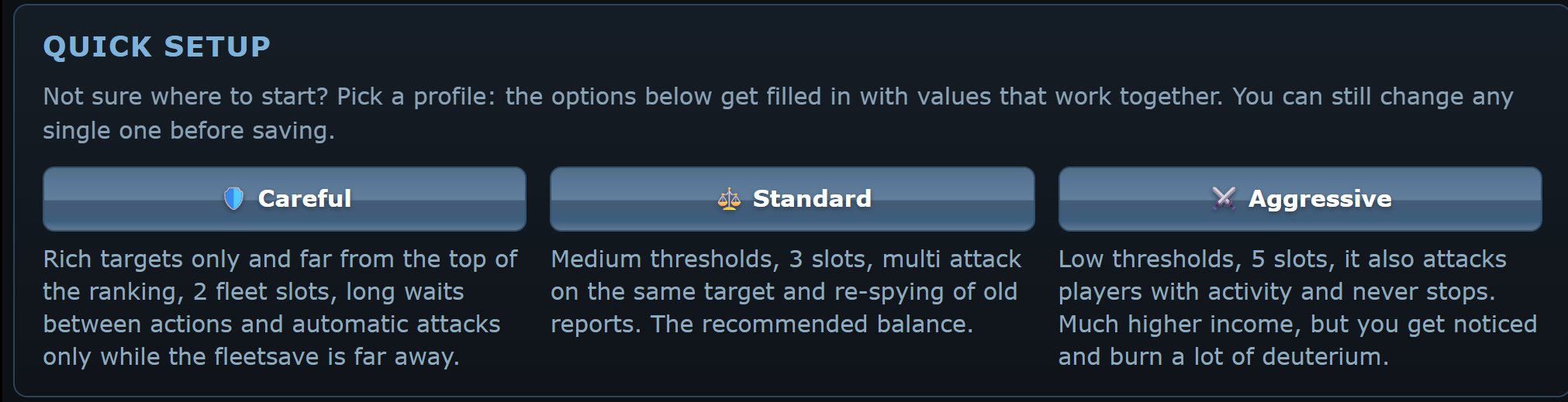
🛡️ Careful: high minimum loot, 2 slots,automatic attacks only when the fleetsave is far off.
⚖️ Standard: medium thresholds, 3 slots, multi attack and re-spying old reports. The recommended compromise.
⚔️ Aggressive: low thresholds, 5 slots, also attacks players with activity and never stops. It earns more but gets you noticed and burns a lot of deuterium.
The profile fills in the form, adapting minimum loot and slots to your universe and account, but it does not save: check the values and press Change settings.
Attack settings
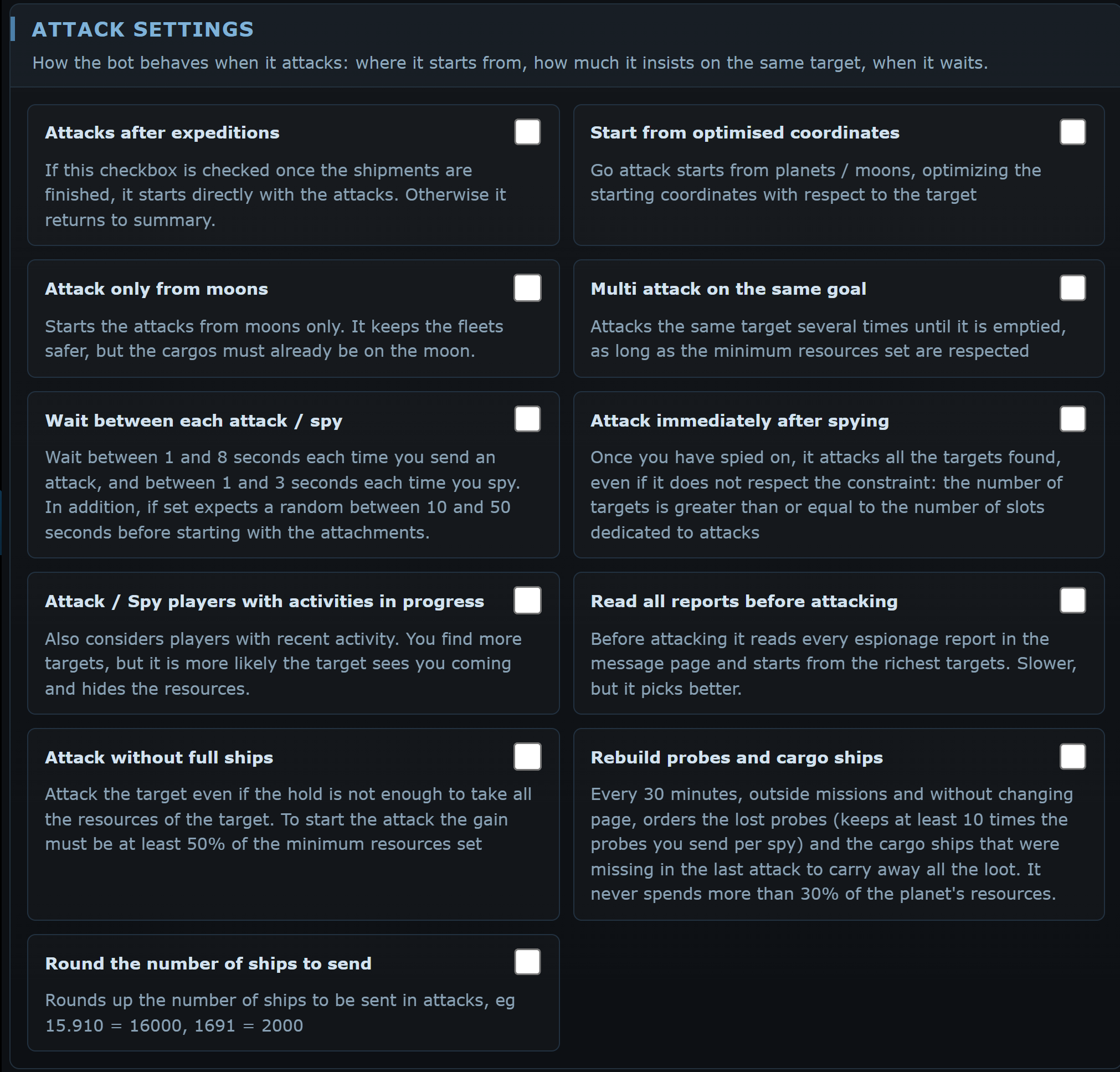
Attacks after expeditions
Once the expeditions are sent it goes straight on to the attacks instead of returning to the overview. It rules out the other automatic modes.
Start from optimised coordinates
For each attack it picks the planet or moon closest to the target that has the cargoes.
Attack only from moons
Only starts from moons: fleets are safer, but the cargoes must already be on the moon.
Multi attack on the same goal
Attacks the same target several times as long as the loot stays above the minimum resources.
Wait between each attack / spy
Waits 1 to 8 seconds between attacks and 1 to 3 seconds between spies, plus 10 to 50 seconds before starting. Always recommended.
Attack immediately after spying
Attacks every target found as soon as espionage is over, even if there are fewer than the dedicated slots.
Attack / Spy players with activities in progress
Also considers players whose activity dot is on: more targets, but they are more likely to see you coming.
Read all reports before attacking
Before attacking it goes through every page of espionage reports, not just the first, and starts from the richest. Slower, but it chooses better.
Attack without full ships
Leaves even if the cargoes cannot hold all the loot, as long as they carry at least half of the minimum resources.
Round the number of ships to send
Rounds fleets to round numbers, for example 15,910 becomes 16,000: a player sends round numbers, a program does not.
Ship settings
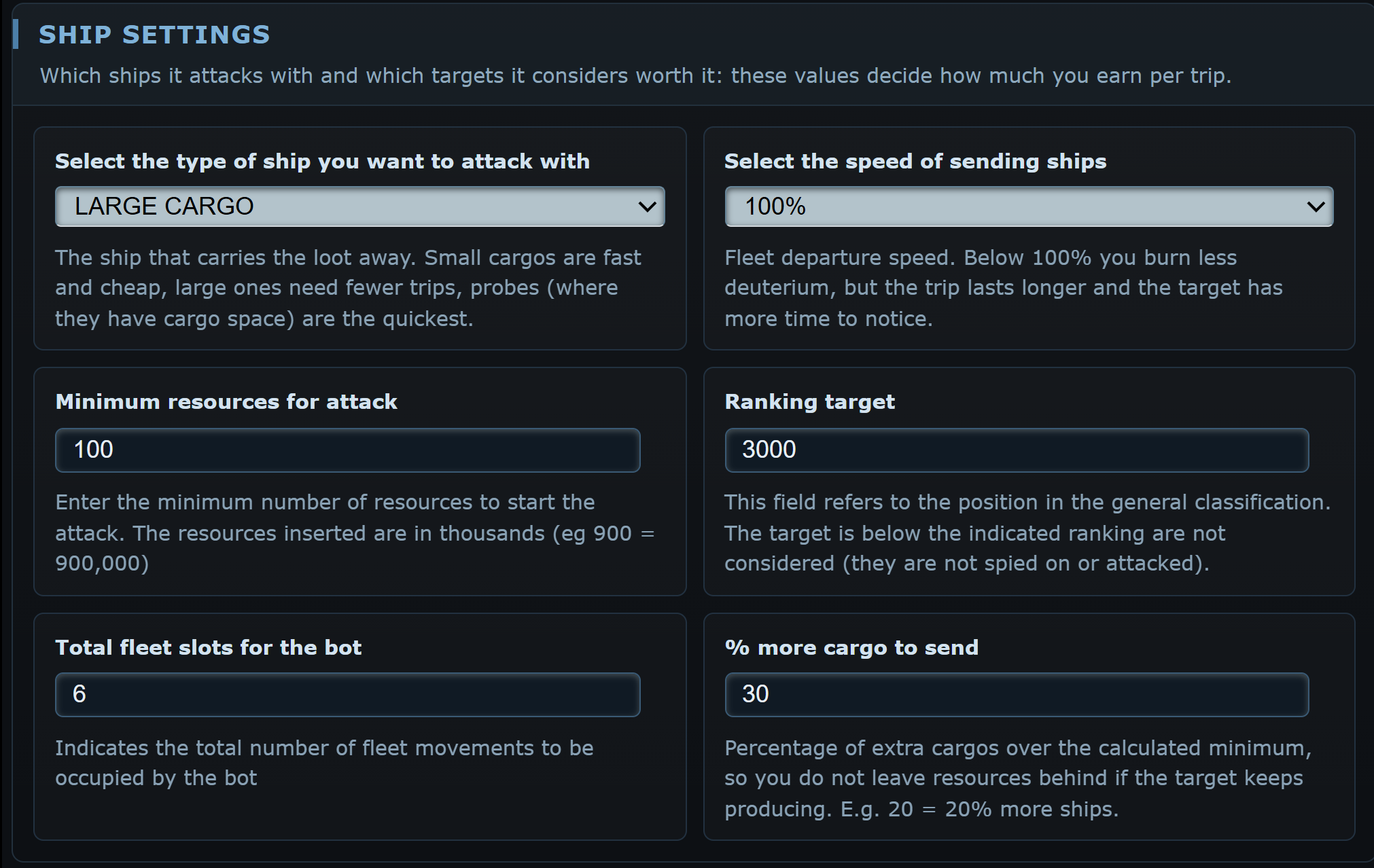
Type of ship
The ship that carries off the loot: small cargo, large cargo, Pathfinder and, where they have cargo space, espionage probes. If you do not own the chosen type, the bot falls back on the other cargo you have.
Speed of sending ships
Below 100% you burn less deuterium, but the flight takes longer and the target has more time to notice.
Minimum resources for attack
Minimum loot to leave, in thousands: 500 means 500,000. Above 1,000 the bot asks for confirmation with a second click on save. The Quick setup profiles multiply it by the universe's economy speed, so on fast universes they can go above 1,000.
Ranking target
Players below this position in the overall ranking are neither spied on nor attacked. It must be at least 100.
Total fleet slots for the bot
How many fleet slots the bot may use for attacks.
% more cargo to send
Extra cargoes on top of the calculated minimum, because the target keeps producing. 20 means 20% more ships.
Lists
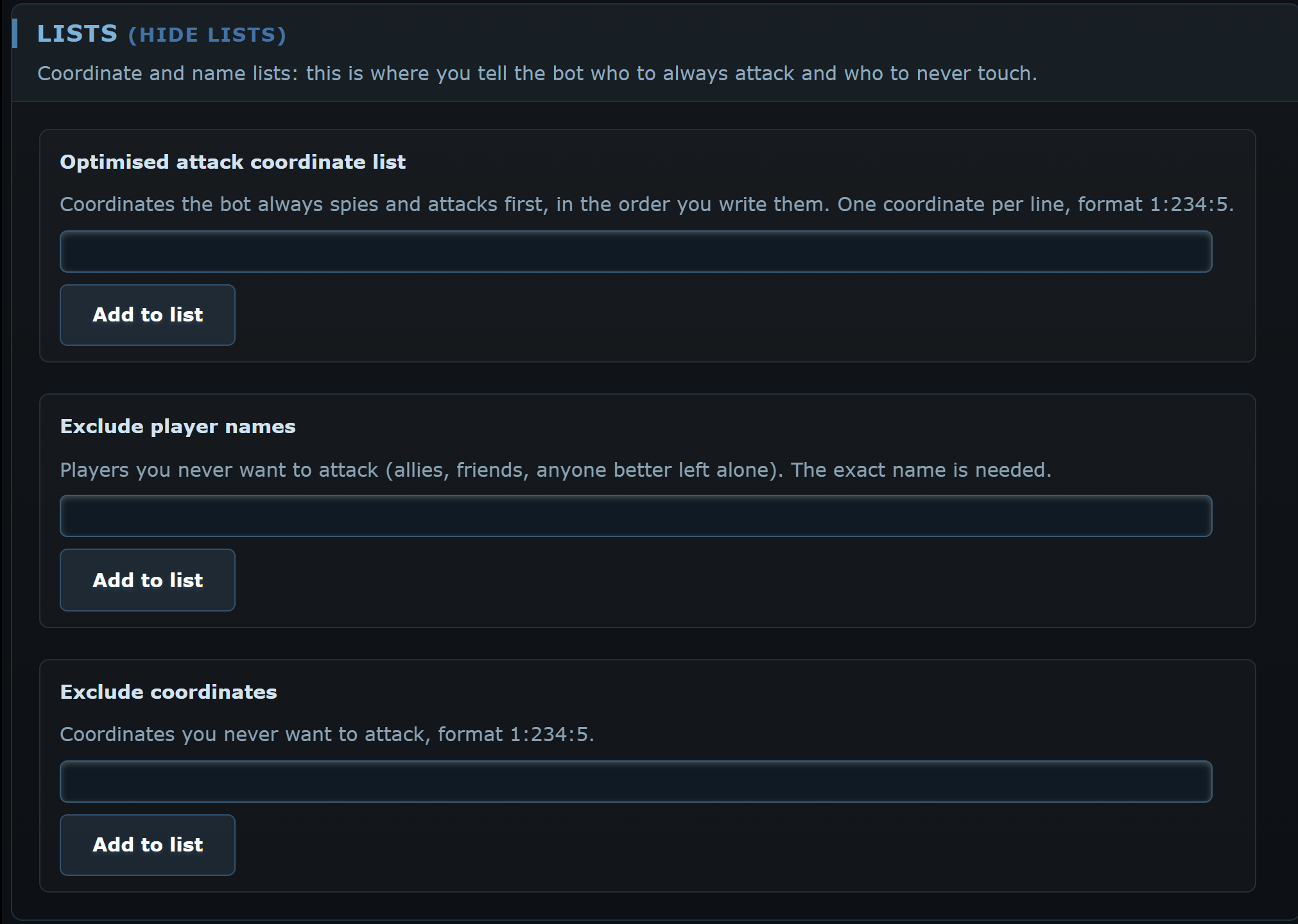
Click (View lists) to open them. Type a value in the field and press Add to list; remove takes it out.
Optimised attack coordinate list
Coordinates the bot spies and attacks first, in the order you write them, format 1:234:5. It is the list used by Optimized attacks. With Optimised attack list first on, the list also fills and cleans itself.
Exclude player names
Players never to attack. The exact name is needed.
Exclude coordinates
Coordinates never to attack, format 1:234:5.
Espionage settings
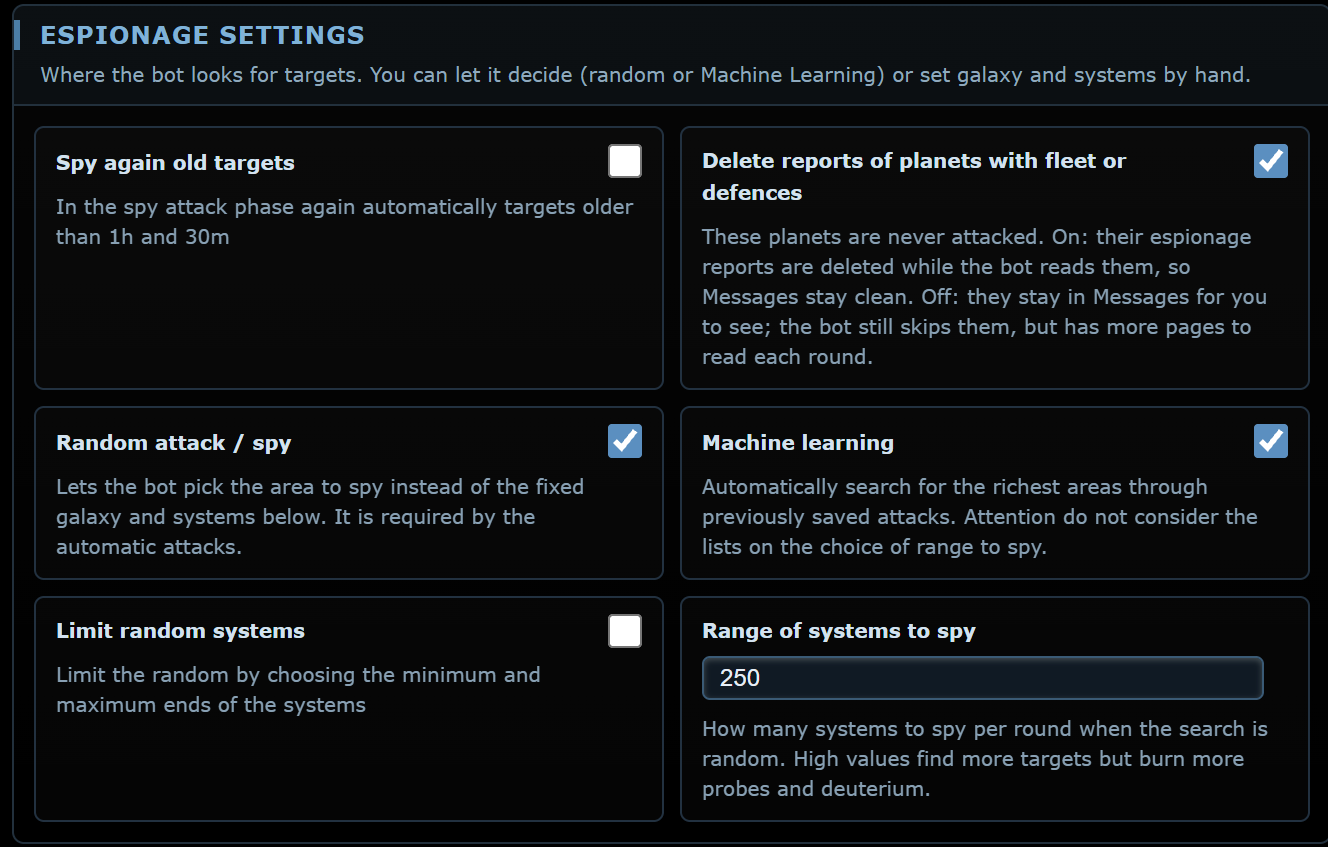
Spy again old targets
During attacks it spies again on targets spied more than 1 hour and 30 minutes ago, and on those whose fleet and defences are unknown.
Delete reports of planets with fleet or defences
On (the default), the bot deletes the espionage reports of planets with fleet or defences while it reads them, so Messages stay clean. Off, those reports stay in Messages for you to see. Either way those planets are never attacked.
Random attack / spy
Lets the bot choose the zone to spy on. When off, the bot spies on the fixed zone set below, automatic attacks included.
Machine learning
Picks the richest zones from the attacks recorded in the past. It ignores the lists.
Limit random systems
Limits the random choice to a range of systems, set with the sliders for each galaxy.
Galaxy, System start, Last system
The fixed zone to spy on, used when the random search is off. On first start they are your home galaxy and all systems. Keep it close to your planets: the farther it is, the more deuterium and time it takes.
Range of systems to spy
How many systems to spy on per round with the random search.
Exclude galaxy
The boxes on the galaxy sliders exclude a whole galaxy. At least one galaxy must stay available; with only one the bot warns you that it may find no targets.
Espionage in the queue when reports are incomplete
When the last attack round discarded 3 or more targets for reports without fleet or defense, the bot adds one Espionage level to the research queue, at most every 6 hours.
Automatic missions
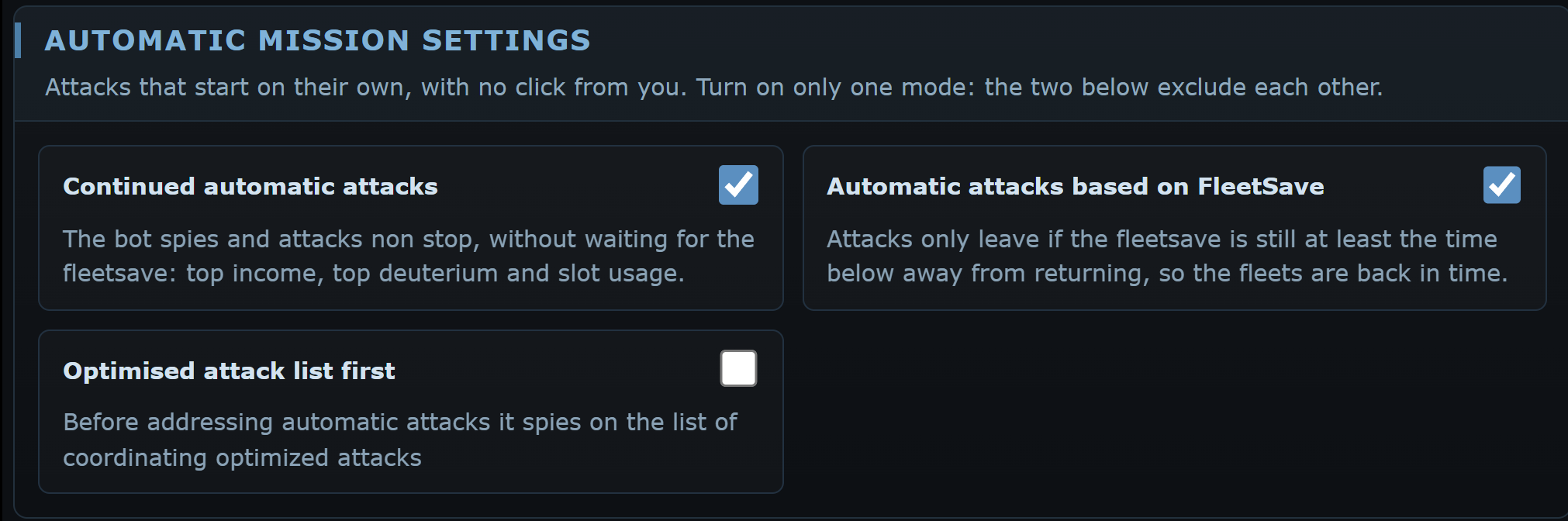
Attacks that leave by themselves. Choose only one of the two modes:
Continued automatic attacks
The bot spies and attacks non-stop, ignoring the fleetsave: highest yield, highest deuterium and slot use.
Automatic attacks based on FleetSave
Attacks leave only if the fleetsave is due back in at least the time set, so the fleets are home before it has to be redone.
Optimised attack list first
Before every attack round it spies the targets on the optimised attack list, which fills and cleans itself (see below). With the list empty it runs a normal round, and your first successful attacks fill it.
A list that updates itself
With the option on, the list holds up to 30 targets. When one of your attacks beats an inactive player’s planet and the loot reaches the threshold, the coordinate enters the list. Before every espionage the bot checks in the Galaxy that the planet still exists, is still inactive and not on vacation; after the espionage it removes the ones found defended or yielding less than the threshold for two reports in a row. Targets in another galaxy than the open planet are skipped in that round, and the log says so. The threshold is the median loot of your last 30 successful attacks, never below the minimum resources; with fewer than 5 attacks it is twice the minimum. The same rules apply to the coordinates you add by hand. The log shows BEST_ADD and BEST_REMOVED, with the reason.
Minimum fleet time
The time with its unit: 30m = 30 minutes, 2o or 2h = 2 hours, 1g or 1d = 1 day, 100s = 100 seconds. With 2h, if the fleetsave is back in 1 hour 59 minutes the attacks do not leave.
Manual or automatic
Find inactive targets runs a single round: it spies, reads, attacks and stops. For a continuous flow you need the automatic missions. With automatic attacks on, when you resume the bot it waits until at least a quarter of the dedicated slots are free before starting again.
Probe attacks
Only on servers where probes have cargo space. The bot uses probes as cargoes: it spies and attacks the zones set, then moves to the next planet with a deployment, carrying the deuterium set.
Number of probes
How many probes are needed to start the mode.
Deuterium to carry
Deuterium to take along on the deployment to the next planet, in thousands.
Advanced timings
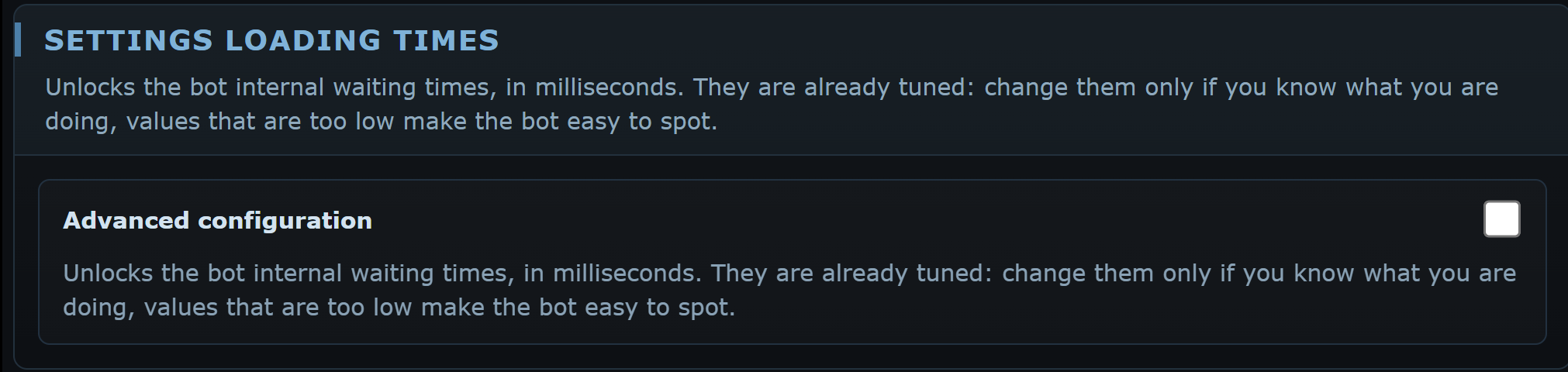
With Advanced configuration you unlock the internal timings, in milliseconds: age of reports to re-spy (1 hour 30), minimum and maximum wait before attacking (10 and 50 seconds), wait after an espionage error (15 seconds), wait for the report table (5 seconds) and, with probes, between rounds (3 minutes).
Messages and blocks
"Value too small in Ranking target": write at least 100.
"The optimised attack list is still empty": it fills itself from your first successful attacks; you can also add coordinates in the Lists or from the Galaxy.
"You must have at least 20k of deuterium": bring deuterium to the starting planet.
"Not enough targets": widen the zone, lower the ranking or the minimum resources.
"Not enough cargo": build cargoes or turn on Start from optimised coordinates.
 OGame