Settings
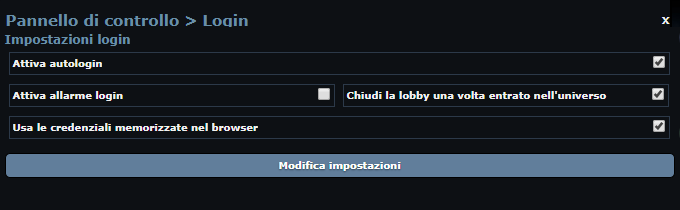
Enable autologin
Enables automatic login.
Enable login alarm
Sends a Telegram notification whenever a login happens (requires the Telegram link).
Close the lobby once inside the universe
Closes the lobby window once the bot has logged into a universe, to avoid piling up lobby windows when there are many logins.
Use the credentials stored in the browser
If enabled, the credentials saved in the browser are used to log in; otherwise email and password are requested.
Advanced configuration
Enables the advanced options:
- Login retry delay;
- Number of login attempts;
- Login lock count.
Login retry delay
Time in milliseconds (default: 10 × 60 × 1000 = 10 minutes). After repeated failed logins, the bot waits this long before trying again.
Number of login attempts
How many times the bot tries to log in when the player has signed in from another device.
Login lock count
The bot logs in at most the indicated number of times: past that number, automatic login is locked.
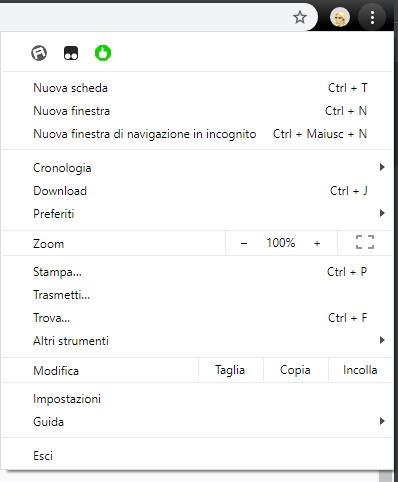
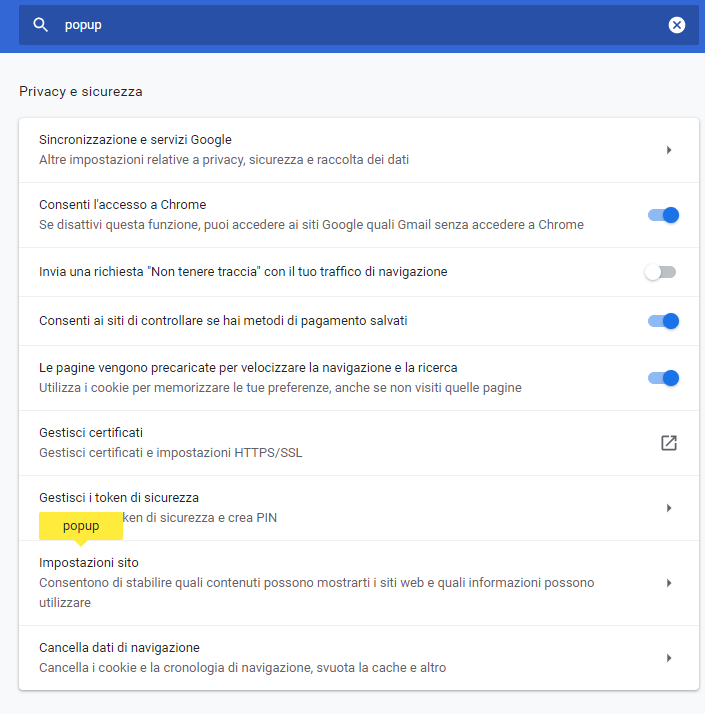
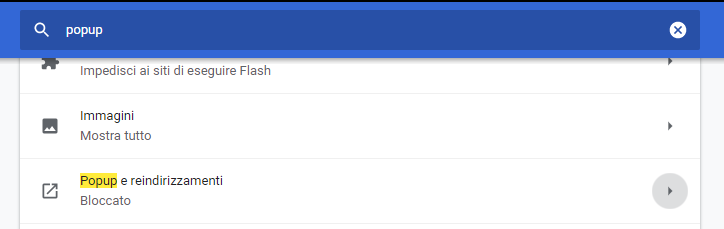
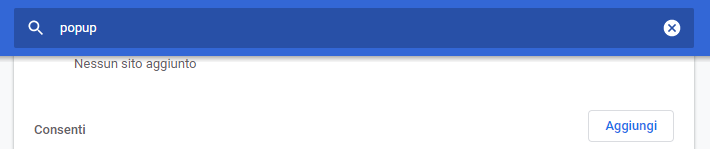
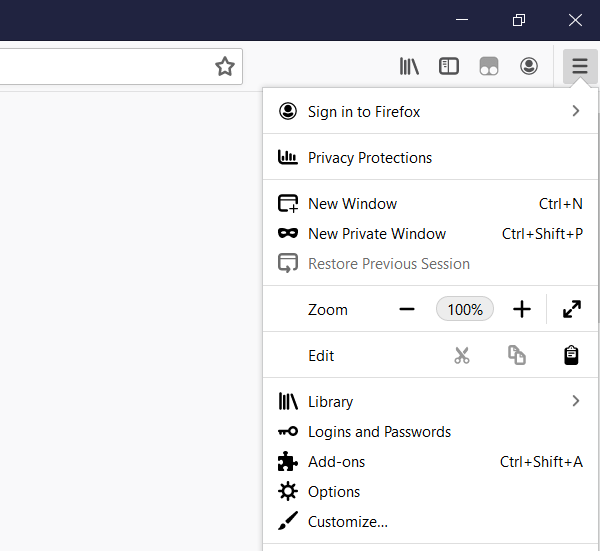
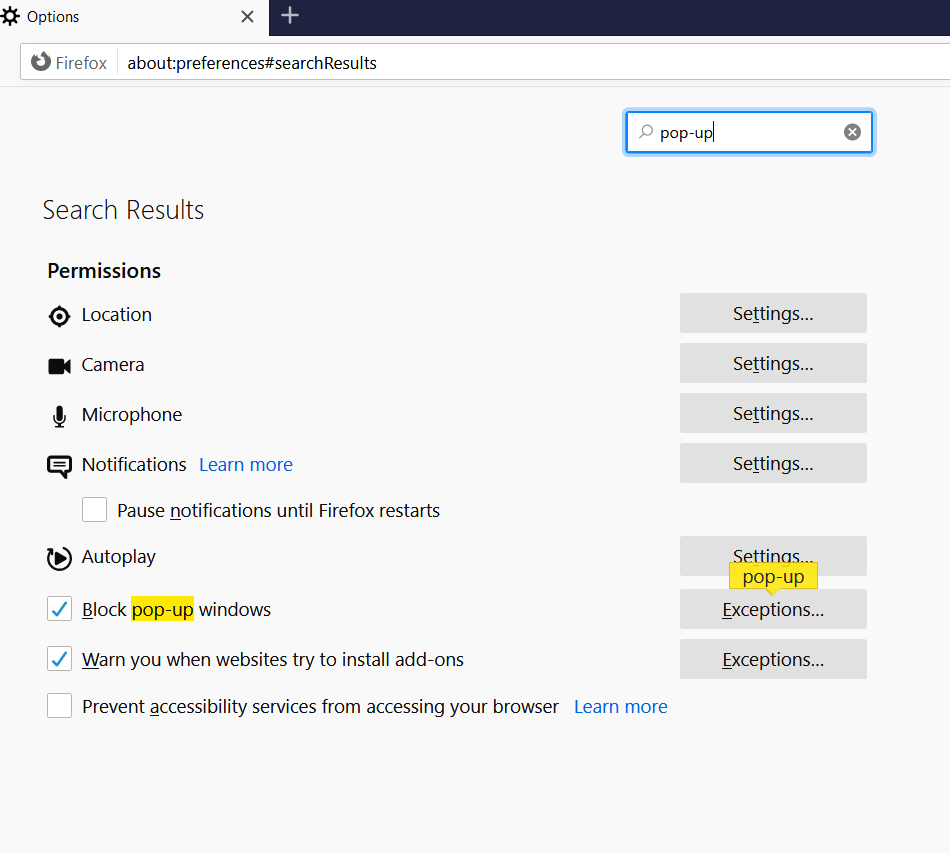
Allowing pop-ups
Warning!
When using automatic login, allow the browser to open pop-ups, otherwise the tab gets closed.