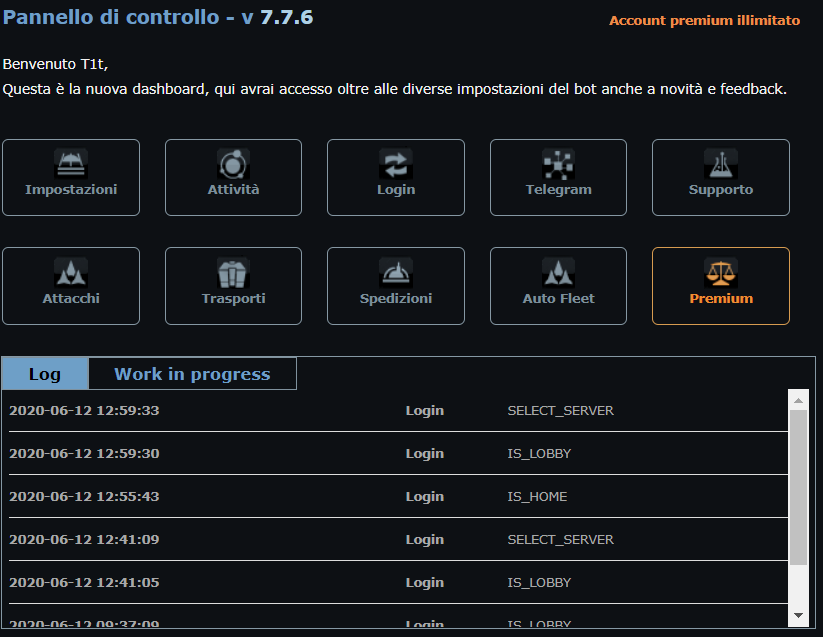
The script adds a set of modules to the OGame interface:
Quick actions bar
A quick actions bar appears under the OGame logo, available on every page of the game.
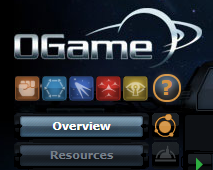
 Take/Release control: turns the bot on or off.
 Stop all actions: clears everything the bot is doing (automatic attacks, transports, and so on). It is often used right after "Take/Release control": because of the bot's speed it can be hard to stop actions — for example while attacking — so we recommend using them in sequence.
 Send expeditions according to the options set in the control panel.
 Send optimised attacks according to the options set in the control panel.
 Starts the attack cycle from the espionage phase, according to the options set in the control panel.
Overview quick actions
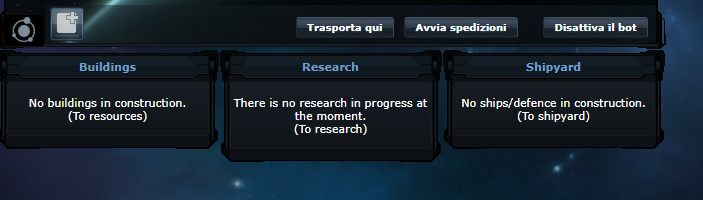
The overview page has its own quick action buttons:
- Transport here: moves the resources of every planet of your empire to the planet or moon where you clicked, following the control panel settings.
- Start expeditions: sends expeditions according to the options set in the control panel.
- Turn the bot on/off.
Control panel
Clicking the menu item:

opens and closes the control panel: